The growing popularity of smart locks revolutionized convenience, keyless entry, and remote access for every home in Rockland. But like any technology, smart locks require proper maintenance to ensure they work reliably.
Two critical aspects of keeping your smart lock functioning smoothly are battery health and connectivity. Ignoring these can lead to lockouts or security risks, which no homeowner wants.
In this guide, we’ll explore practical tips to maintain your smart lock’s battery life and connectivity, keeping your home safe and accessible.
Understanding Your Smart Lock
Before diving into maintenance tips, it’s important to understand the type of smart lock you have and its components. Smart locks generally fall into a few categories:
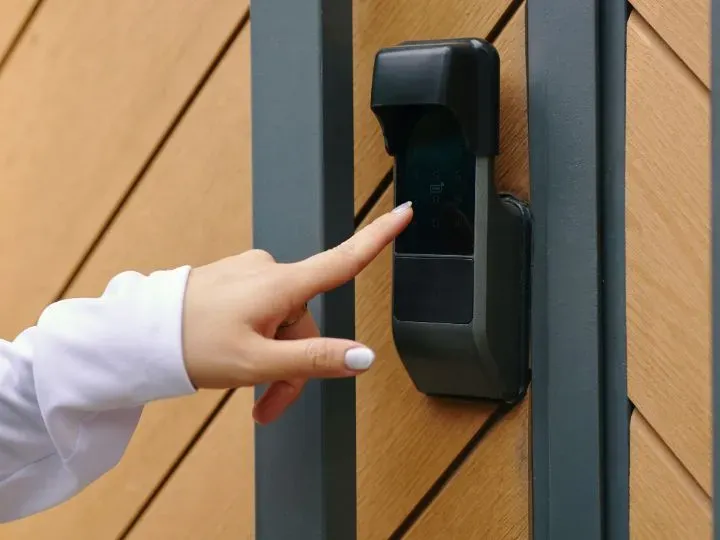
- Keypad locks: Unlock with a code entered on a keypad.
- Bluetooth-enabled locks: Connect directly to your smartphone via Bluetooth.
- Wi-Fi-enabled locks: Offer remote access from anywhere with an internet connection.
- Hybrid locks: Combine multiple features, such as keypad access plus smartphone control.
Each type relies on batteries and electronic connectivity, which means maintenance is essential for smooth operation. Regular attention helps prevent lockouts, ensures your home stays secure, and extends the life of your device.
Smart Lock Battery Maintenance Tips
Battery issues are one of the most common causes of smart lock malfunctions. Here’s how to keep your lock powered and reliable:
1. Monitor Battery Levels Regularly
Most smart locks feature an app or LED indicator that shows battery status. Checking the battery monthly can prevent sudden failures. Set reminders to inspect the battery or check the app notifications for low battery alerts.
2. Replace Batteries Proactively
Don’t wait until the battery dies completely. Replacing it proactively ensures uninterrupted access and reduces stress in urgent situations. Always use high-quality batteries, as alkaline batteries are usually recommended. Avoid rechargeable batteries unless the manufacturer specifies them, as they may not provide consistent voltage.
3. Remove Batteries for Long-Term Storage
If you’re leaving your home for an extended period, remove the batteries. This prevents corrosion or leakage, which could damage the lock’s electronics.
4. Avoid Extreme Temperatures
Smart locks installed on exterior doors are exposed to weather. High heat or freezing temperatures can reduce battery efficiency. Whenever possible, choose locks rated for the environment in which they are installed, and consider insulation if your door faces harsh conditions.
5. Keep Spare Batteries Accessible
A simple step that can save you from a lockout is having spare batteries on hand. Keep a small stock in an easily accessible place so you can replace batteries quickly when needed.
Smart Lock Connectivity Maintenance Tips
Battery maintenance alone isn’t enough; connectivity is crucial for smart locks that rely on Bluetooth, Wi-Fi, or both. A stable connection ensures you can unlock doors remotely, receive alerts, and maintain security.
1. Ensure Stable Wi-Fi or Bluetooth Connection
The placement of your lock relative to your router or smart home hub affects connectivity. Avoid physical obstructions like thick walls or metal doors, which can interfere with signals. If your lock is frequently out of range, consider a Wi-Fi range extender or smart hub to improve connection reliability.
2. Regularly Update Firmware
Smart lock manufacturers release firmware updates to improve functionality, fix bugs, and enhance security. Keeping both the lock and associated app updated ensures your device works smoothly and remains protected from vulnerabilities.
3. Reconnect Devices if Necessary
If your lock becomes unresponsive or loses connection, try re-pairing it with your smartphone or hub. Most apps provide step-by-step instructions for reconnection. Doing this periodically can prevent unexpected lockouts and ensure seamless operation.
4. Test Remote Access Periodically
Even if you don’t use remote access often, test it periodically to confirm that your app can control the lock and that notifications work correctly. This is especially important for homes with multiple users who rely on app access.
5. Troubleshooting Tips
Common issues include laggy responses, lost connections, or unresponsive locks. Simple fixes often resolve these problems:
- Restart your router or smart hub.
- Ensure the lock’s firmware is updated.
- Remove and reinsert batteries if the device isn’t responding.
- Reset the lock according to the manufacturer’s instructions if necessary.
If none of these works, don’t hesitate to contact a reliable locksmith like Driscoll’s Lock & Key. We are always one call away and can immediately resolve your smart lock issues.
Conclusion
Smart locks provide convenience and enhanced security, but they’re only as reliable as the care they receive. By monitoring and maintaining battery life, ensuring stable connectivity, and performing basic upkeep, you can avoid lockouts and extend the life of your device.
Regular maintenance not only protects your home but also ensures peace of mind for you and your family. Incorporate these simple tips into your routine, and your smart lock will remain a dependable part of your home security system.